






We take particular pride in our customer service, and that most importantly extends to when things aren’t working as intended.
We took a moment to interview two lead members of our support staff, Max and Michael, to show you how we handle the curveballs.
We take our time building the systems we ship out from our headquarters in Richmond, Virginia.
Every wire is tucked neatly away, every part is double, triple, quadruple checked. Our PCs are stressed under full load for a minimum of 24 hours. We do everything we can to make sure that the issues you’ll find with our builds are as close to 0 as possible. But PC components will never be 100% infallible no matter what we do. Parts can and will break, either during shipping or due to some other circumstances beyond anyone’s control.
Your display isn’t lighting up, but your PC is. You’re hearing a suspicious buzzing sound. Your OS is running so slow. It wasn’t happening before, now it is, and it’s keeping you from your work. There are two places you can go:
1. Directly to our Support Portal,
2. or your phone, at (804) 419-0900. Ext 2
Whenever you call or message us, you’ll reach someone directly in our Richmond, Virginia headquarters. Never will there be a Velocity Micro support robot or off-shore call center.
Tech support can be a painful process, but we’ll work with you to efficiently rule out the most relevant common issues that are causing the symptoms your PC is experiencing.
Michael has fielded countless support calls, and he’s honed in on the process.
“The first step to all support is information gathering. We ask questions to help us shape and understand the issue, and what we can possibly do to address it.”
Max mentions that you might receive instructions from the team to dig into the problem. ”In most cases, we’ll request the customer run stress tests or hardware scans in which we supply instructions and exactly what to look out for.” The team knows that getting these directions can sometimes be confusing or difficult to follow, so they encourage you to take your time and ask for clarification if you need it along the way.
Frequently, the only program you’ll be asked to install is a remote viewing program so our team can take the wheel. Michael frequently runs into issues with Windows itself. “The most common issues we encounter that can be resolved remotely are Windows repairs or clean installs. To help diagnose the issue, we will occasionally remote into peoples systems. This allows us to run diagnostic scans such as DISM, CHKDSK, or SFC.” These scans give support a more detailed picture of how the individual components of your system are holding up to rule out hardware issues.
“Depending on what we find and the severity of the issues, we’ll either recommend a repair install, or send them to our website's article on how to perform a clean installation of Windows at home.” Max has helped dozens of folks through this process. “All of the tools you need are already on your computer, and the guide includes screenshots of every step you need to take on our support portal here.”
A quick note: we only ever use highly vetted and secure programs, and once the problem is resolved, we’ll instruct you on how to uninstall the remote viewing software (should you want it off your system) immediately.
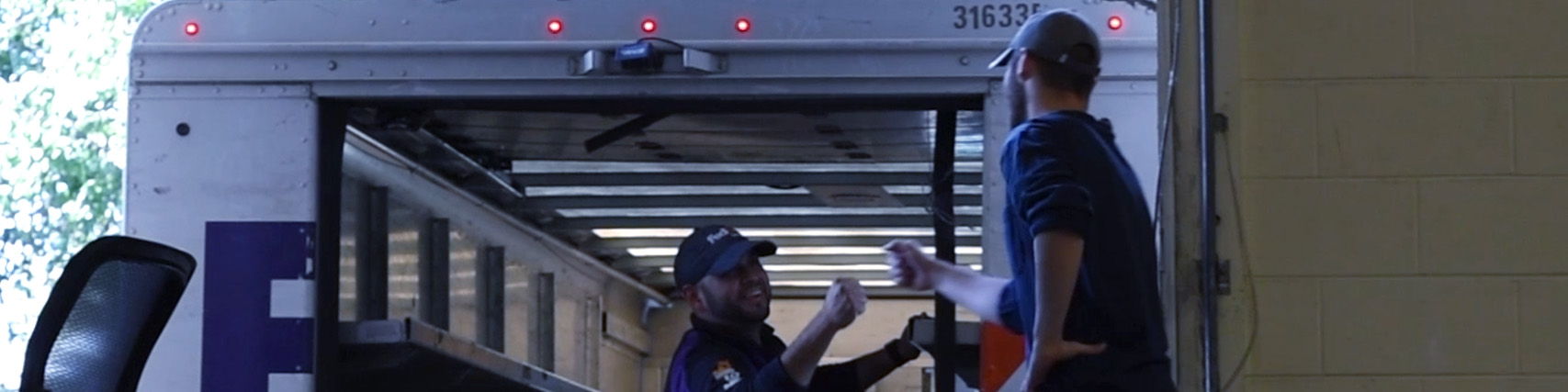
Occasionally, our customers will run into a problem that’s a bit bigger than what we can handle in just a chatbox or over the phone. “Once we’ve exhausted all remote support options we will recall the system for a technician to take a look.”
You might find yourself in a situation where the only real solution is bringing your rig in to get looked at. We’re sorry if it’s come to this. Here are the steps to take:
You can also bring your PC in-person to our physical address:
Velocity Micro
500 Southlake Blvd
Richmond, VA 23236
“Once the system arrives in house, we will do an initial visual inspection to ensure there was no mishandling in transit. Next we will attempt to re-create the reported issue,” Max begins.
“If the issue is hardware related, we tend to try swapping out parts one by one, or running them alongside a known working configuration on a test bench.” Michael notes that sometimes, the culprit reveals itself on the bench right away. “Once we have determined the functionality or the root of the issue, we will RMA the part if possible, or reach out to the customer with a quote for a replacement if outside of the warranty period.”
Once the system is good as new, they treat it that way. “We’lll run the system through our full QC and stress process,” says Michael. “This process is identical to the stress and QC that we run all new systems through in our production.”
Culprits Hidden in Plain Sight
Over the years, the team has received cases that seem to be a component failure, but upon receiving the system, it boots right up and nothing appears to be wrong through every diagnostic. “These issues can commonly be caused by something environmental,” Max mentions. “It can be as simple as the surge protector not being rated highly enough, or external devices plugged into the system.” We do our best to recreate every issue in-house in order to best resolve it, but it’s possible that the culprit doesn’t make it to the testing bench. “It could be something as simple as the PC being placed on a carpeted floor”, Michael adds.
As a result, the support team might ask questions that seem unrelated to the problem you’re dealing with. We know this can be frustrating, but every part of your PC is interconnected, and to really get to the bottom of the issue, we may need to needle into the details. It’s what we’re best at!